
Article Outline
· What an AI mouse is and where its intelligence comes from
· How an AI mouse works with buttons, microphones, companion apps, and cloud or local AI
· Five useful AI mouse features for office and multilingual workflows
· AI mouse versus a regular mouse
· Compatibility, privacy, subscriptions, and buying considerations
· Who benefits most and whether an AI mouse is worth buying
What Is an AI Mouse? How AI-Powered Mice Make Everyday Work Smarter
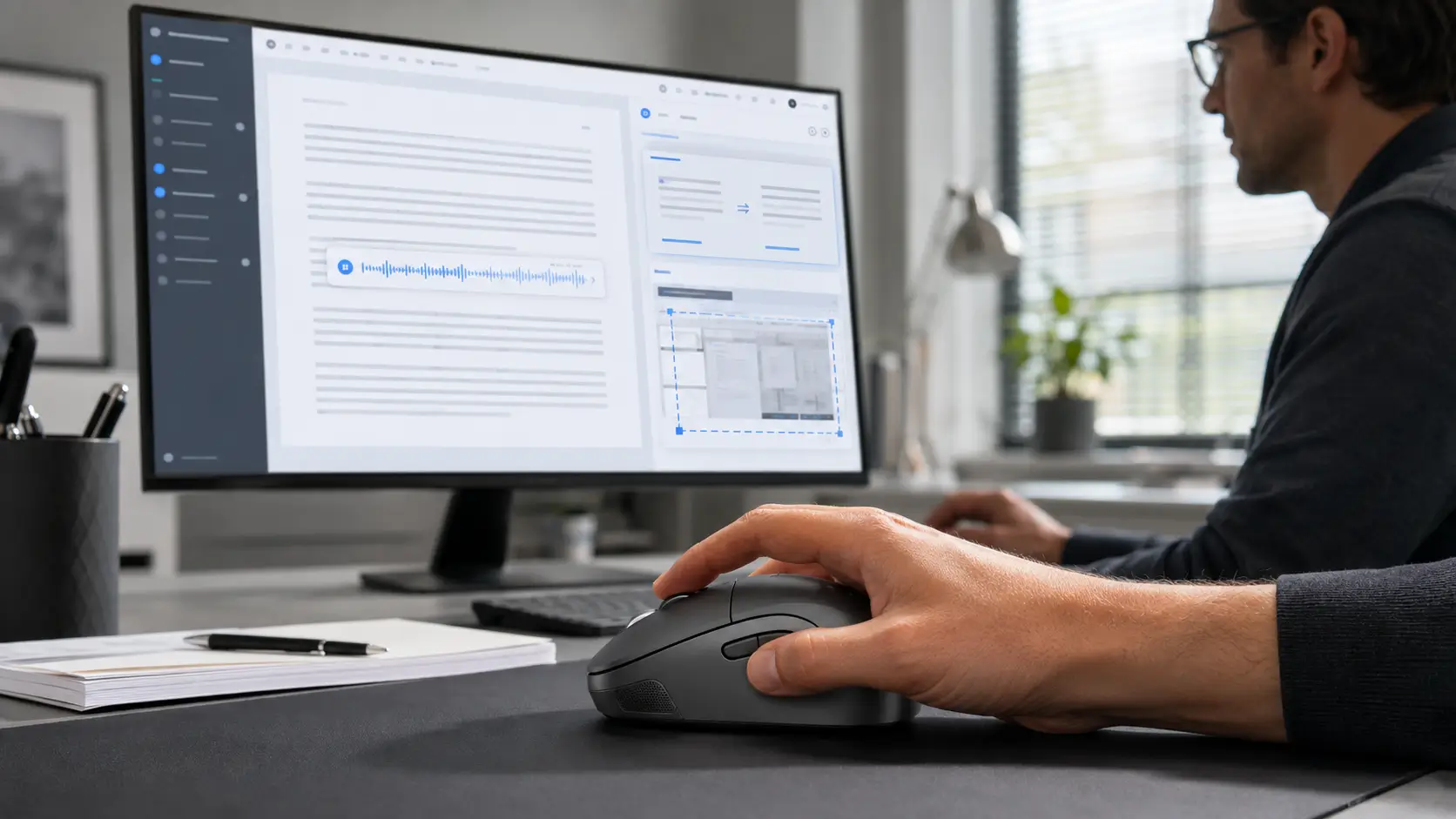
A mouse has traditionally been a simple pointing device: move the cursor, click, scroll, and select. An AI mouse keeps those familiar controls but adds faster access to artificial intelligence tools. Depending on the model, a dedicated button can start voice typing, translate selected text, summarize a document, extract words from a screenshot, or launch a multistep workflow.
That makes the category easy to misunderstand. Most AI-powered mice do not contain a complete large language model inside the hardware. The mouse acts as the control surface, while companion software and a cloud service or local AI model perform the work. The real advantage is not a “thinking” cursor; it is removing the repeated copying, pasting, app switching, and shortcut memorization that interrupts everyday work.
How Does an AI Mouse Work?
An AI mouse normally combines three layers. First, the hardware provides standard tracking and buttons, plus one or more programmable controls. Voice-focused models may also include a microphone. Second, companion software maps those controls to actions such as dictation, translation, screen capture, or an AI assistant. Third, speech recognition, optical character recognition (OCR), machine translation, or a generative AI service processes the request and returns a result.
This architecture explains why two products labeled “AI mouse” can behave very differently. One may simply open an AI chat window, while another offers voice input and screenshot translation. The feature set can also change with software updates. Logitech, for example, introduced an AI Prompt Builder in 2024 and retired it in 2026, while retaining programmable Smart Actions. Software support therefore matters as much as sensor resolution or wireless performance.
Five Practical AI Mouse Features
1. Voice Typing and Meeting Notes
Pressing a voice key and speaking can place text into an email, document, chat window, or other active field. This is useful for drafting ideas, recording action points, and reducing long typing sessions. However, a mouse microphone does not automatically create perfect meeting minutes. Accuracy depends on noise, speaker distance, language support, and the transcription engine.
2. Translation Without Constant App Switching
Some AI mice can translate selected text or convert spoken input into another language. A user may select an overseas customer’s email, press a shortcut, and receive a translation without manually opening a separate website. This accelerates routine multilingual communication, but contracts, technical specifications, and legal wording still require human review.
3. Writing, Rephrasing, and Summarization
A programmable AI button can send selected text to a generative AI tool for rewriting, summarizing, expanding, or changing tone. The most useful implementations return the result close to the current application, making the experience feel more direct than a conventional copy-and-paste workflow. Users should still verify facts, names, figures, and promises before sending AI-assisted content.
4. OCR for Screenshots and Scanned Documents
OCR converts text inside an image into editable characters. With an AI mouse workflow, a user can capture part of a scanned PDF, presentation slide, product label, or webpage and extract the wording for search, translation, or editing. Low resolution, glare, stylized fonts, and complex tables can reduce accuracy.
5. One-Click Workflow Automation
The automation feature is often less glamorous but more valuable. A programmable button can open an application, paste prepared text, run a keyboard shortcut, or execute a sequence of actions. Desktop automation platforms can also simulate clicks and keystrokes. This is configurable automation rather than a mouse independently “learning” every routine, and interface changes may require updates.
AI Mouse vs. Regular Mouse
A regular mouse can often launch AI tools if its buttons are programmable, so the boundary is not absolute. A purpose-built AI mouse becomes more compelling when it integrates a microphone, dedicated AI controls, translation or OCR software, and a streamlined interface. For gaming, design, or precision work, conventional factors—sensor quality, polling rate, ergonomics, button placement, battery life, and connection stability—remain more important than an AI label.
What to Check Before Buying an AI Mouse
Start with operating-system compatibility and confirm that the companion app supports the exact Windows or macOS version in use. Check which functions work locally and which require internet access, an account, or a subscription. Verify language coverage separately for dictation and translation.
Privacy deserves equal attention. Voice recordings, selected text, screenshots, and documents may contain customer, financial, or confidential information. Review where data is processed, how long it is retained, whether it trains models, and whether microphone access can be disabled. Corporate buyers also need maintenance, administrative controls, and a clear privacy policy.
Is an AI Mouse Worth It?
An AI mouse is most useful for people who dictate frequently, communicate across languages, summarize large amounts of text, or repeat the same desktop actions every day. It can also make AI tools easier to reach for users who do not want to memorize prompts and shortcuts. For someone who only needs occasional AI assistance, a programmable standard mouse plus existing voice typing or automation software may deliver similar value.
The best AI mouse is therefore not the model with the longest feature list. It is the one that performs normal mouse duties well, integrates with the user’s actual applications, and reduces friction without creating new privacy or subscription problems. When hardware ergonomics and dependable software come together, the mouse evolves from a pointing device into a practical productivity controller.
Frequently Asked Questions
Does an AI mouse work without the internet?
Basic cursor and button functions should work offline, but AI features depend on the product. Cloud-based transcription, translation, and generative AI normally require internet access; locally processed features may not.
Can an AI mouse automate repetitive tasks?
Yes, when its companion software supports macros or multistep actions. The mouse triggers the workflow, while the software executes the configured sequence.
Can a normal mouse become an AI mouse?
In many cases, yes. A programmable button can open an AI assistant or run an automation. A dedicated AI mouse mainly offers tighter integration, purpose-built controls, and sometimes an onboard microphone.
Tag:AI mouse